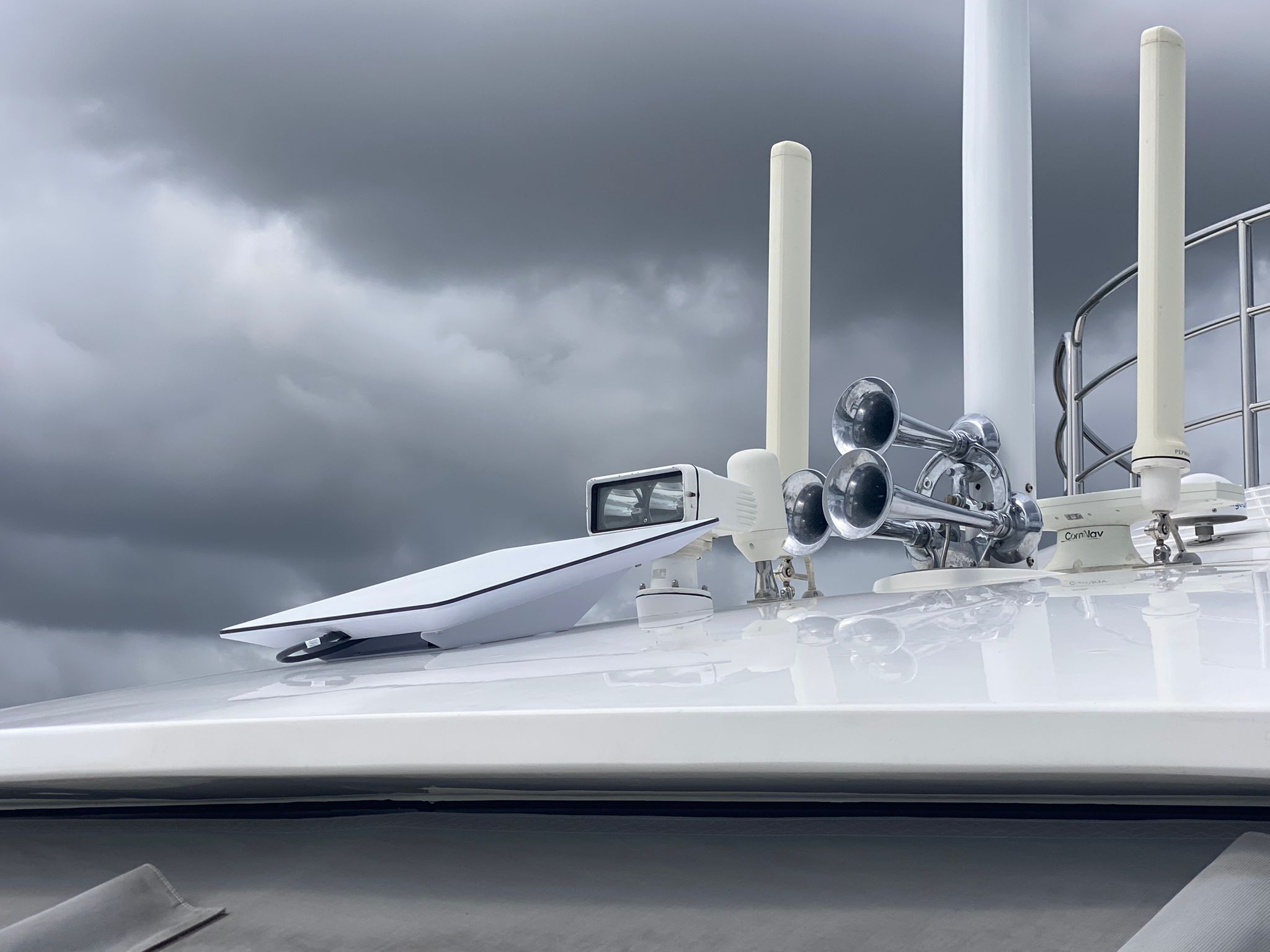
Starlink Has Changed Everything
Five years ago, getting reliable internet offshore meant spending tens of thousands on a VSAT system and paying hundreds a month for speeds that barely qualified as broadband. Starlink changed that overnight. For a fraction of the cost, you can now stream, video call, and download charts from miles offshore. But here's what the marketing materials don't tell you: installing Starlink on a yacht isn't as simple as plugging it in at home.
We've done a lot of these installations, and there are a handful of things every owner should understand before cutting a hole in their hardtop or mounting a dish on their tuna tower. Get these right and you'll have a system that just works. Get them wrong and you'll be troubleshooting on the water when you should be relaxing.
Mounting Location Is Everything
Starlink needs a clear, unobstructed view of the sky. That sounds obvious, but on a yacht, obstructions come from everywhere: the radar arch, the mast, the flybridge overhang, even the air conditioning units on the hardtop. The dish uses phased-array technology to track satellites electronically, but it still needs line of sight to a large portion of the sky.
We recommend mounting as high as practical. A power tower, a dedicated pole mount, or the highest clear section of the hardtop all work. Every foot of height you gain translates to fewer obstruction warnings and more consistent speeds. A power tower mount or pole mount gives you the clearance you need without interfering with other electronics.
Power Requirements
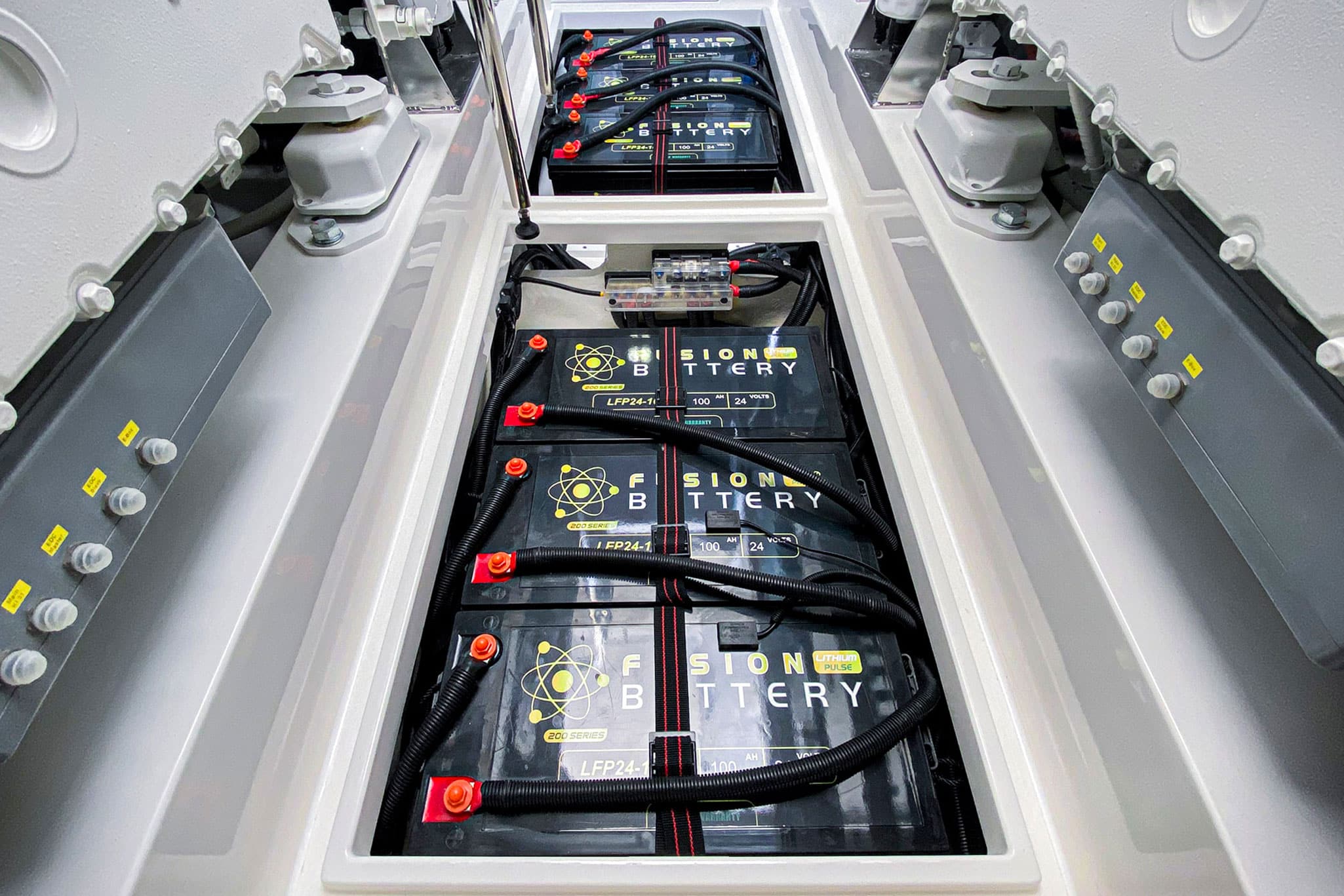
The Starlink dish draws more power than most people expect. The standard unit pulls between 50 and 75 watts in normal operation, and it can spike higher during startup or in poor weather when the motors work harder to track satellites. If you're running it 24/7 on a vessel with a limited house bank, that draw adds up.
Make sure your power system can handle the continuous load. On a 12-volt system, you'll want a dedicated circuit with proper gauge wiring to avoid voltage drop. We typically recommend running Starlink through an inverter or a dedicated DC-DC converter to ensure clean, stable power. Don't just tap into an existing circuit and hope for the best.
Network Integration
Starlink gives you a single ethernet connection. That's it. Most yachts need way more than that. Multiple access points, a router, a switch, and integration with existing onboard networks. This is where a proper installation makes all the difference.
We typically run Starlink through a Peplink router, which lets us bond the Starlink connection with cellular and VSAT for automatic failover. If Starlink drops, the router seamlessly switches to your cellular connection without anyone on board noticing. We can also set up VLANs to prioritize critical traffic (like navigation data) over streaming, so your Netflix binge doesn't interfere with your chart updates.
Cable Routing and Waterproofing
The cable that comes with Starlink is thick, relatively inflexible, and needs to get from the dish to your network cabinet without taking on water. This is the part that trips up DIY installations. You need a proper cable penetration with a watertight gland, not a hole filled with silicone.
Plan your cable route before you mount anything. The cable has a minimum bend radius, and forcing it around tight corners can damage the conductors inside. We use cable trays and proper strain relief to make sure the run is clean, protected, and serviceable.
At VMAG, we run our Starlink systems through KVH for seamless satellite and cellular integration. That means automatic failover, bonded connections, and a single network that just works, whether you are at the dock or fifty miles offshore.
The Bottom Line
Starlink is a game-changer for offshore connectivity, but the installation matters more than the hardware. A properly mounted, properly powered, properly integrated Starlink system will give you years of reliable service. A sloppy install will give you headaches every time you leave the dock.
If you're thinking about adding Starlink to your vessel, give us a call. We'll assess your helm, your power system, and your network, and give you a clean, professional installation that works from day one.
Questions about your vessel's electronics?
Our team is on the dock and ready to help. Call us or schedule a free vessel consultation today.